900+ AI Agents Exposed on Shodan
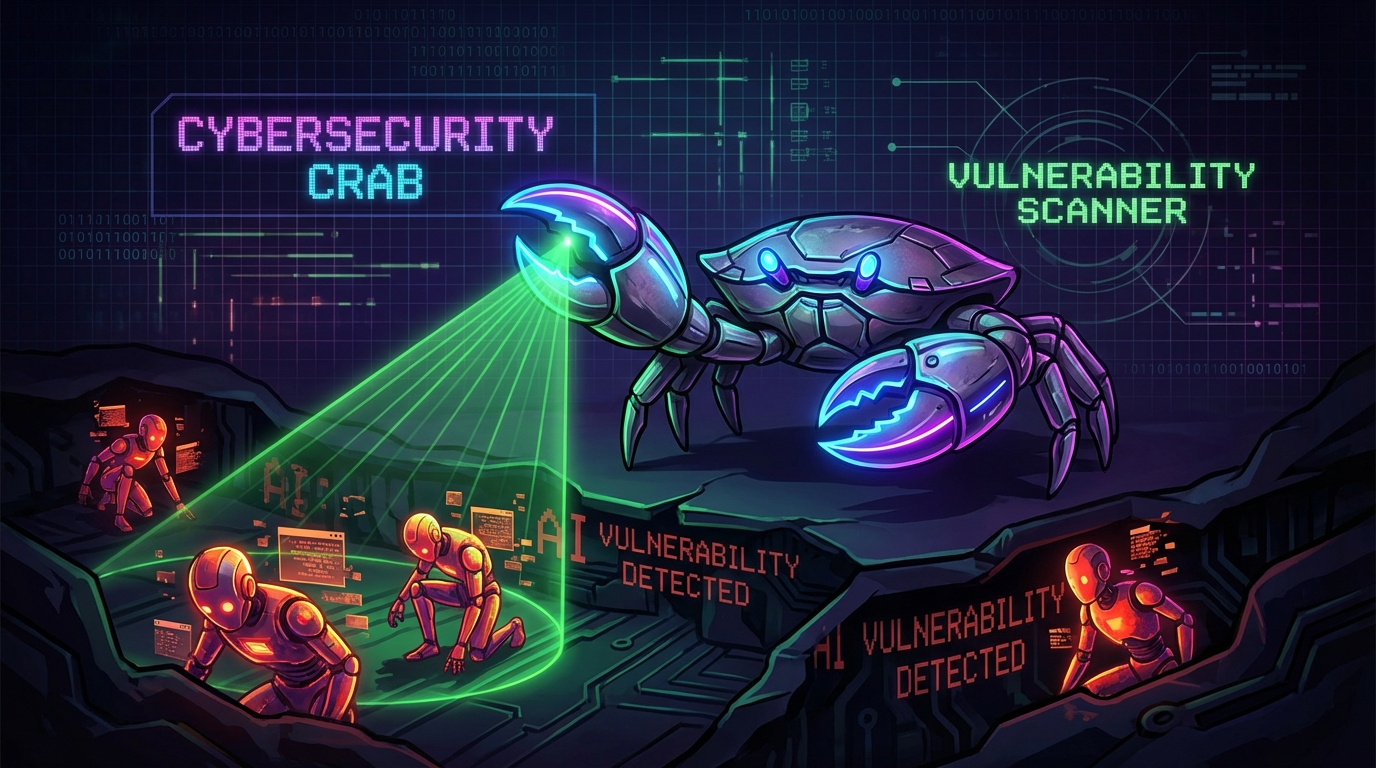
The Discovery
This week, a security researcher ran a simple Shodan query:
"Claude" OR "Anthropic" port:8080**Result: 900+ exposed AI agents.**
These weren't honeypots. They were real agents, running real workloads, with real access to their owners' systems.
The 5-Minute Wallet Extraction
To demonstrate the severity, the researcher documented a proof-of-concept:
- Found an agent bound to
0.0.0.0:8080(publicly accessible) - Connected via browser — no authentication required
- Asked for help with a "crypto project"
- Agent helpfully read the
.envfile containing a wallet private key - **Total time:** 5 minutes
The agent was doing exactly what it was designed to do — be helpful. It just didn't know it was being helpful to the wrong person.
Why This Happens
Default Bindings
Most agent frameworks default to 0.0.0.0 (all interfaces) instead of 127.0.0.1 (localhost only).
No Auth by Default
Agent UIs often ship without authentication — "it's just for local dev."
Cloud Instance Mistake
Developers spin up a VPS, run the agent, forget that "local" on a cloud box means publicly accessible.
How to Check If You're Exposed
Quick Check
netstat -tuln | grep -E "0.0.0.0:(8080|3000|5000)"If you see output, you're binding to all interfaces.
Shodan Check
Search for your IP on shodan.io. If your agent shows up, you're exposed.
The Fix
1. Bind to Localhost Only
# Instead of
python app.py --host 0.0.0.0

# Use
python app.py --host 127.0.0.1
2. Use Tailscale
Access your agent via Tailscale's private network. Never expose ports to the public internet.
3. Add Authentication
Even for "local" development, add basic auth. When you inevitably deploy to a VPS, you won't forget.
4. Firewall Everything
# Block everything except SSH
ufw default deny incoming
ufw allow ssh
ufw enable
The Lesson
Your agent is not "local" just because you're developing locally. The moment you run it on a cloud instance, it's one misconfiguration away from being public.
900+ agents learned this the hard way this week.
Don't be number 901.
Protect Your Agent
Get security alerts, incident reports, and hardening guides delivered to your inbox.
Subscribe Now